
Support
CS GS1 Barcode Management
Barcodes are created using a function on the Item List page or the Item Card page:

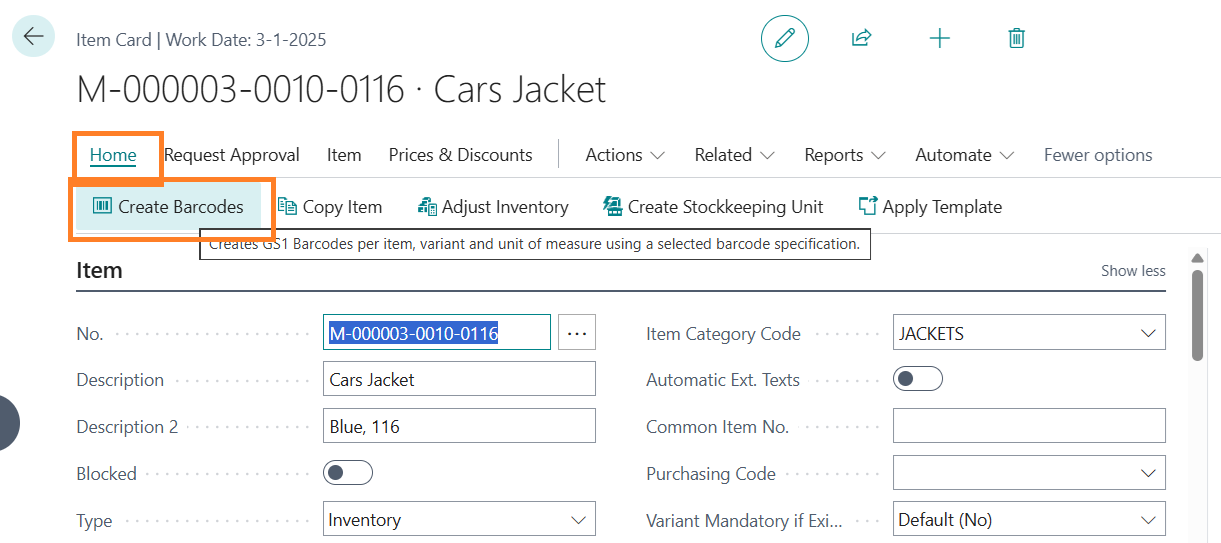
The following dialogue page will appear:
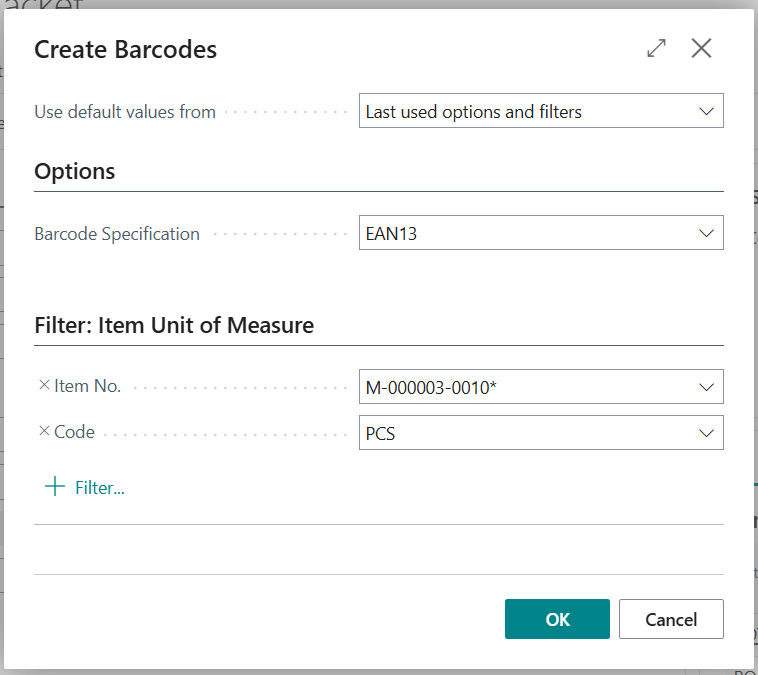
Select the barcode number series in the Barcode specification on the Options tab that you want to use to create barcodes.
Filters may be set on Item numbers and unit of measure codes. CS GS1 Barcode Management will create barcodes for all variants, items and units of measure within this filter.
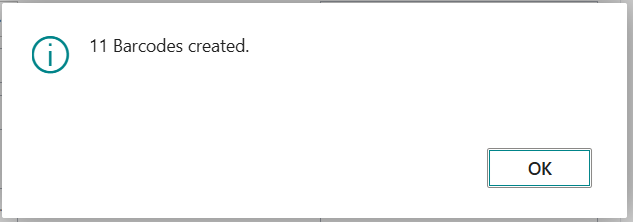
Select OK to create barcodes. CS GS1 Barcode Management will create the requested barcodes and assign them to the items, variants and units of measure.
Central Solutions
Strijdakker 17 | 5673 TN | Nuenen (NL)
Chamber of Commerce 75296497
VAT ID NL860227790B01
support@central-solutions.nl
+31 85 401 73 40